LiveRank — League LP Tracker — OBS Compatible Overlay
A downloadable tool for Windows
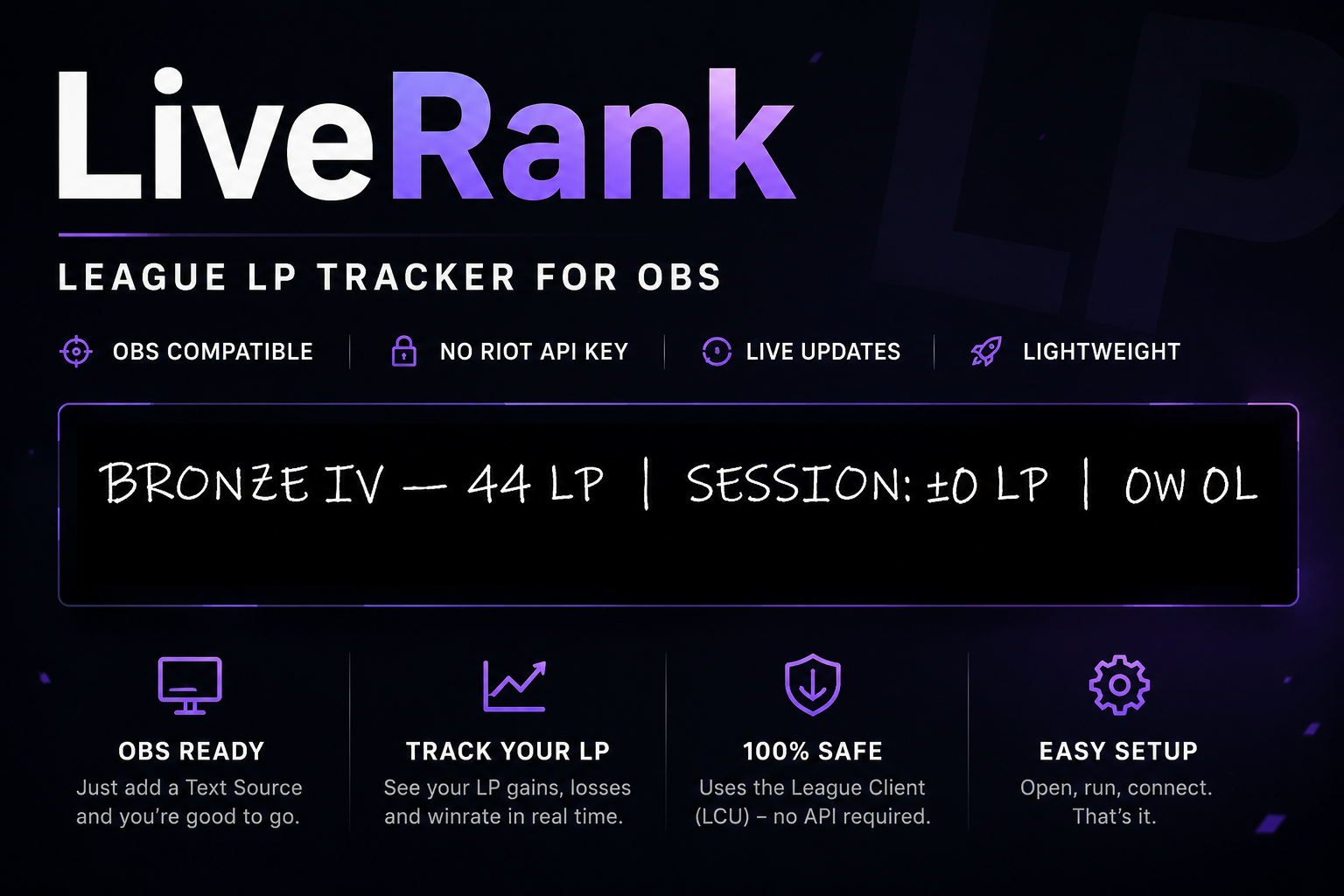
Track your League of Legends ranked progress live in OBS with a lightweight text-based overlay.
LiveRank connects directly to the League Client (LCU) and automatically updates your current rank, LP, session gains/losses, and win/loss record.
No Riot Developer API key required.
Features
- 🎮 Real-time LP tracking
- 📈 Session LP gain/loss statistics
- 🏆 Current rank and division display
- 📊 Session win/loss tracking
- 🔑 No Riot API key needed
- 📺 OBS Text Source compatible
- ⚡ Lightweight and easy to set up
- 🔄 Automatically updates while you play
How It Works
LiveRank reads data directly from the League Client using Riot's local client API (LCU). The tracker writes your stats to a text file, which can be displayed in OBS using a standard Text Source.
Example output:
Bronze IV — 44 LP | Session: +18 LP | 5W 2L (71%)
Requirements
- Windows
- League of Legends Client
- OBS Studio (optional, for streaming)
Setup
- Download and extract the files.
- Configure the output file location.
- Start the League Client.
- Run LiveRank.
For OBS:
5. Start OBS
6. Select your Scene and add a new Source (Text GDI+)
7. Check the Read from File Checkbox
8. Input your file location (C:/Users/LiveRank/Desktop/lp_output.txt)
That's it — your rank and LP updates will appear automatically during your stream.
Download
Click download now to get access to the following files:
Leave a comment
Log in with itch.io to leave a comment.